Amazon has been compiling a “profile” about you based on your purchases. And now you can check and see if you agree with what they think about you! Mine ranged from pretty accurate to kind of funnny (but still accurate).
Keep reading to find out how to view yours and what Amazon had to say about me!
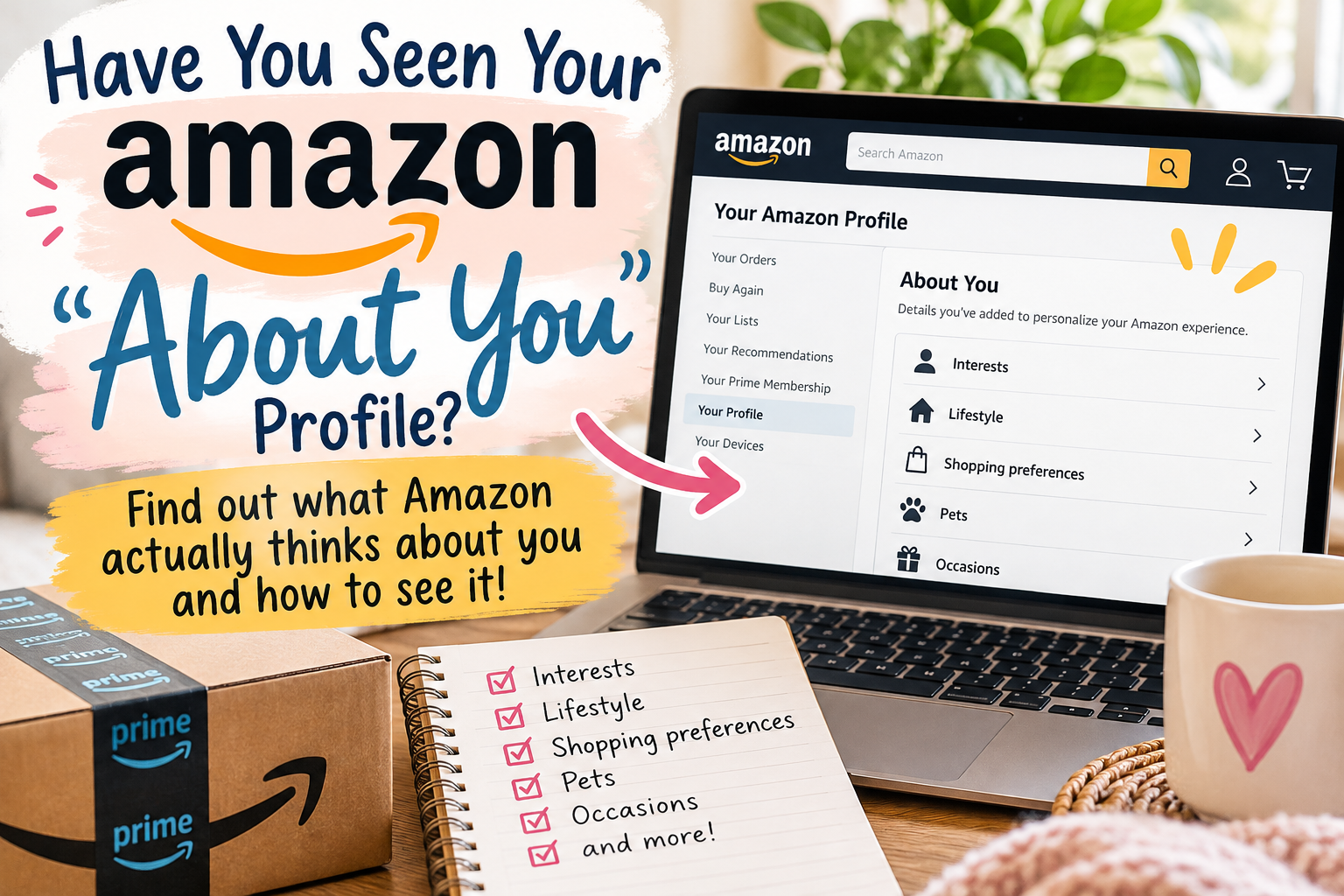
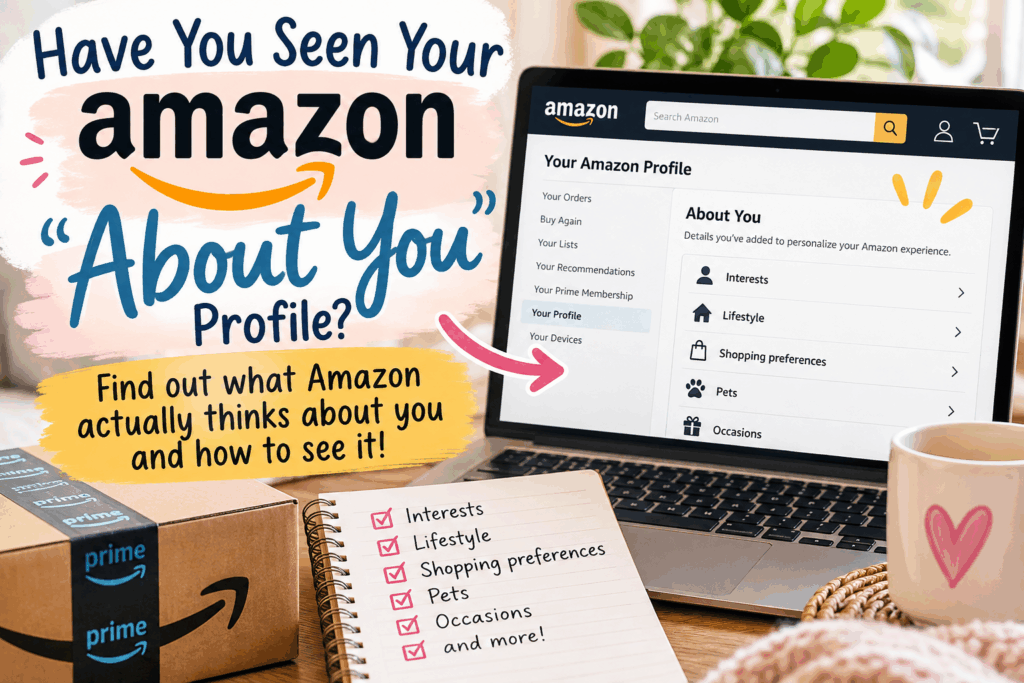
How to Find Your Amazon “About You” Profile
Have you seen people talking about Amazon’s hidden “About You” profile? The internet has been buzzing about this feature, which lets you see information Amazon uses to personalize your shopping experience. Now you can check yours, too!
Here’s how to find it:
- Visit Amazon.
- Go to your account. Tap the profile icon or select Account.
- Find Shopping Preferences. Scroll through your account options until you see this section.
- Look for “About You.” Open it to see the information and preferences listed in your profile.
Take a look and see whether Amazon’s assumptions seem accurate. Does it understand your interests and shopping habits, or has its algorithm gotten things completely wrong? You might be surprised by what you find!
So what did mine have to say about me? Well, my top purchase categories were women’s clothes, household repair and maintenance, coffee, and….
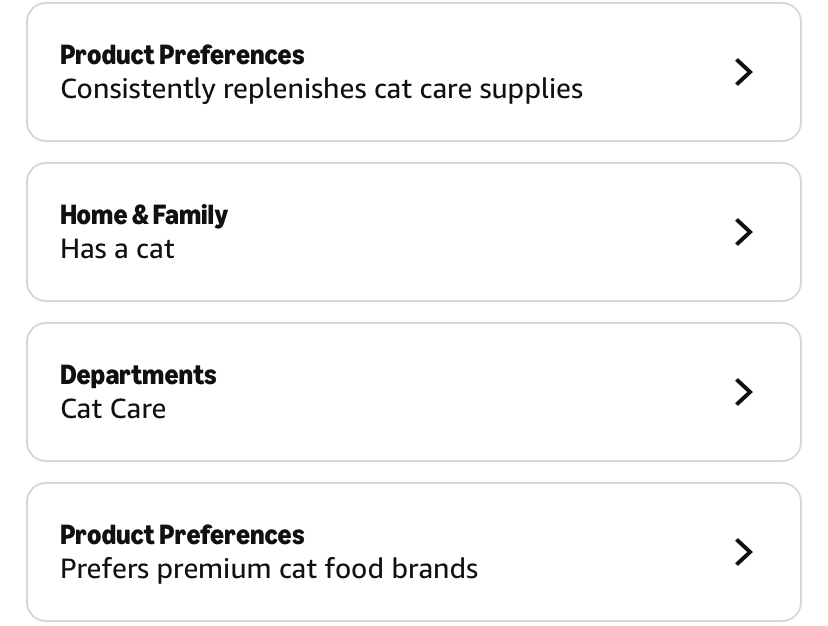
… CATS. Yes, Amazon accurately determined that I must have a cat because I “consistently replenish cat care supplies” and you know what, it’s not wrong! It also determined that I prefer Amazon Basics brand for household items and that I have a teenager in the house.
Now go see what it has figured out about you!
👉 Click here to visit Amazon and check your “About You” profile!
Note: Amazon’s menus may look different depending on your device or app version. If you don’t see “About You” under Shopping Preferences, the feature may not be available in your account or interface.